
AURA GEO in practice
Published guides and practical workflows for audits, agents and evidence-based results.
 Start with your question.
GEO with your own MCP agent: how AURA GEO works
AURA GEO helps website owners and their AI agents move from checking a website to publishing useful content and measuring results. Connect your website and a compatible agent through MCP, select the AI services you need and get one workspace for tasks, pages, saved answers with sources and real visits. The agent works in the services you give it access to, while AURA saves the outcomes.
Read articleAURA GEO in practiceHow AURA checks published GEO pages
AURA checks page accessibility, HTML text, canonical settings, indexing restrictions and the sitemap. Check results and IndexNow notifications are saved separately: submitting an address alone does not confirm indexing or an AI recommendation.
Read articleAURA GEO in practiceHow AURA counts visits from AI
AURA records real page loads by referral source and preserves evidence of publication, submission and URL checks. Website owners can view the metrics in their workspace.
Read article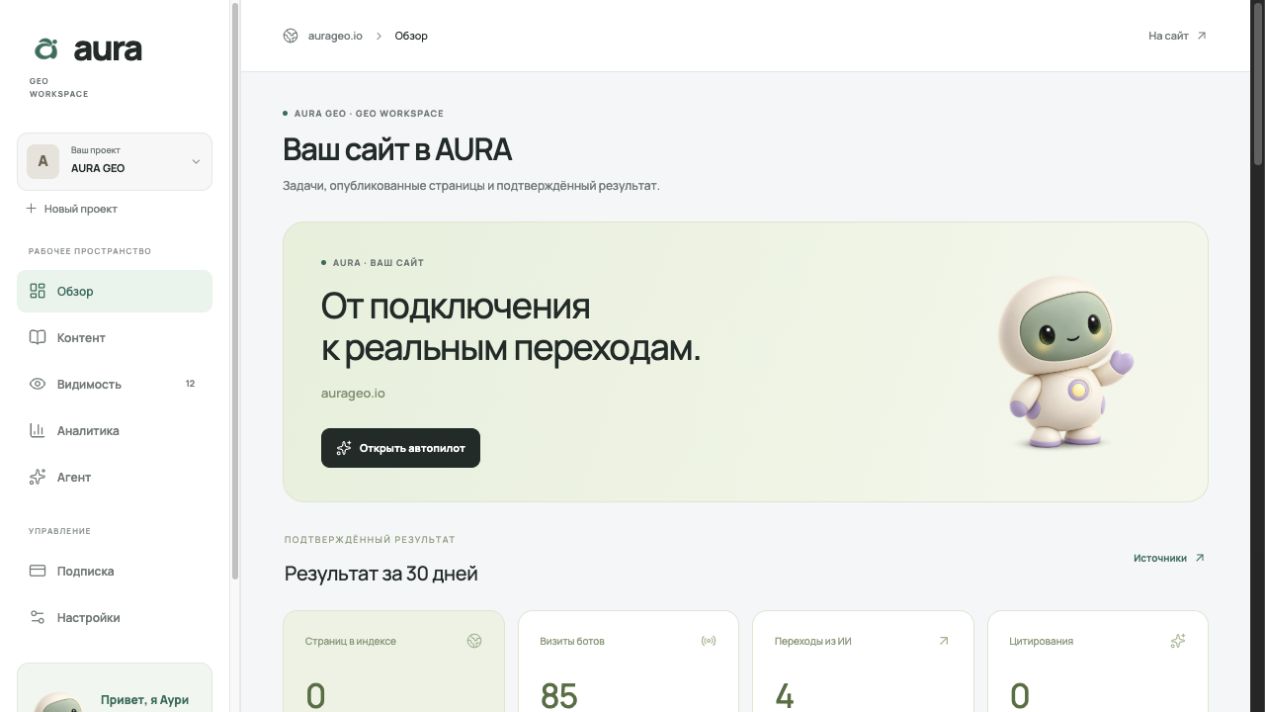 AURA GEO in practice
How to prepare a website for AI search, using AURA GEO as an example
A website owner wants an answer to a simple question: what should I do so people can find my company through ChatGPT, Gemini or Perplexity? In practice, this involves crawler access, search indexes, page content and analytics. I am building AURA GEO to bring this work into one workspace. Here is how our approach works and what you can check on your own website.
Read articleAURA GEO in practiceHow to check whether AI assistants recommend and link to your website
Ask neutral customer questions in new AI assistant chats with web search enabled, save the full answer and every source link, and repeat the same questions after website changes. Review your own data separately: AI referrals in analytics, Google Search Console reports and Bing Webmaster Tools. A single check proves neither presence nor absence in answers.
Read article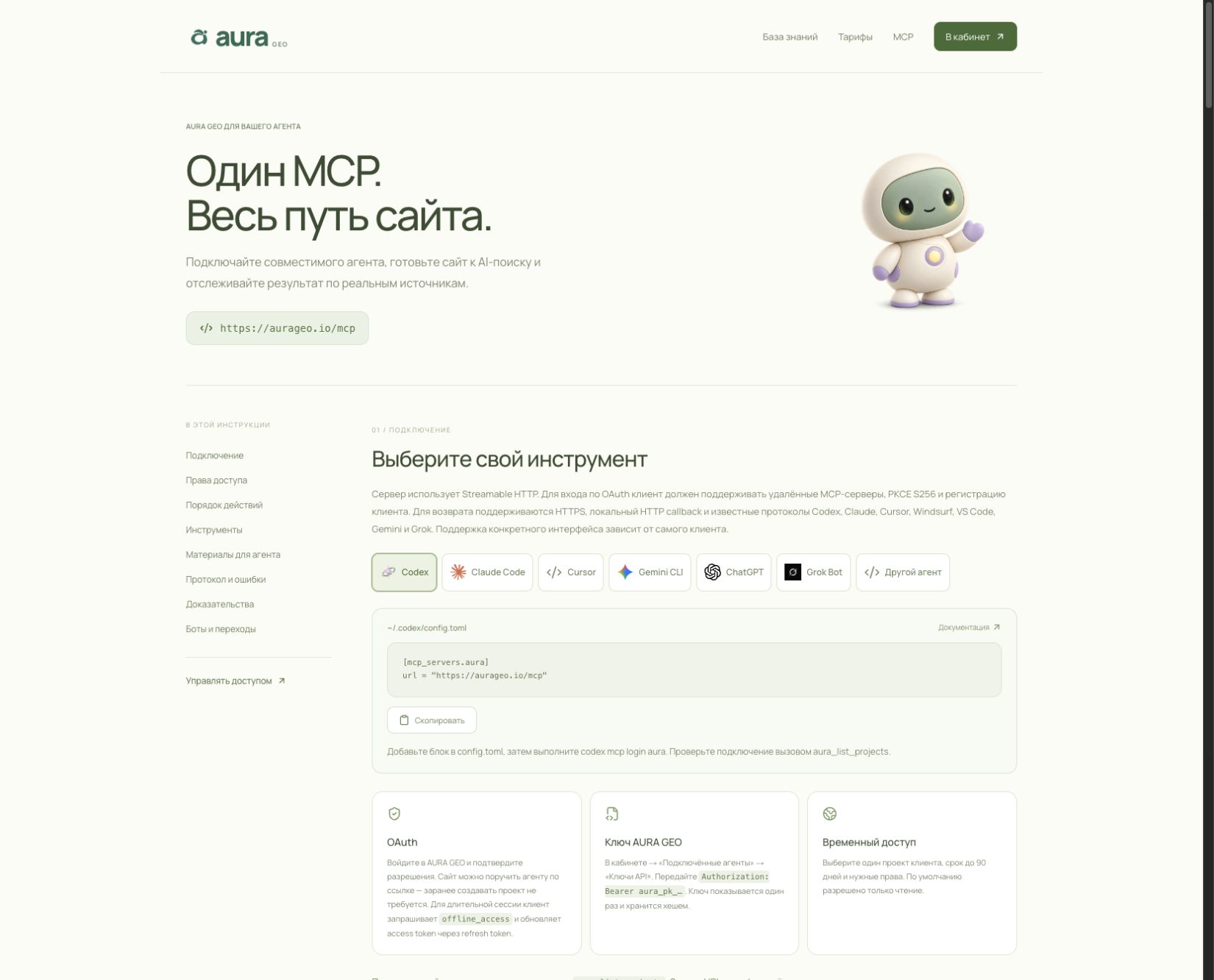 AURA GEO in practice
From AI checks to website improvements: a GEO workflow
How to choose customer questions, save answers with links, prepare changes through your own agent and check the result. A practical AURA GEO workflow.
Read articleAURA GEO in practiceHow to connect AURA to an AI agent through MCP
Add https://aurageo.io/mcp in your agent’s MCP client, sign in to AURA and authorize access to the relevant project. The agent can read questions and work with data within granted permissions.
Read articlePut the next step
to work on your project.
These articles explain the process. Your workspace stores questions, tasks and verified results for your website.
Open your workspace