A good check ends with a next action
In GEO discussions, website owners often lack the connection between a check result and a specific edit. Learning that a brand was absent from one answer is useful only alongside questions such as: which exact query was tested, who was recommended instead, and which page would be worth improving?
Below is a working sequence for a company website. It does not require buying model APIs: checks can be performed in an AI interface available to the owner through a compatible agent, with observations saved in AURA GEO. This does not mean unlimited free generation: access, sessions and the chosen service’s limits apply. This article describes a method; interface screenshots are not presented as a traffic growth case study.
Step 1. Start with the customer’s task, then the question list
State what the company sells, which region it serves and which language it uses with customers. Build a small initial set from genuine enquiries, interviews, emails or questions to sales staff. If there are no historical enquiries, create hypotheses and label them as test questions.
For a GEO platform, a sample hypothesis is: “How can I check whether ChatGPT recommends my company’s website?” This is a suggested test question, not a known search volume or an export of private ChatGPT queries. Check branded and unbranded questions separately: the first examines information about the company, while the second examines solution selection by someone who does not know the company yet.
Step 2. Save an answer that can be opened and verified
Each run needs the exact question, service name, date, language, regional settings, web search mode and full answer. Save sources as separate URLs. Mark a brand-name mention, a direct website link and a product recommendation separately. A sign-in problem or rate limit means an incomplete check, not an answer saying “you are absent.”
Repeat a few important questions in new sessions under the same conditions. If one attempt produces a recommendation and another does not, save both. When comparing over time, use the same question set and number of completed runs. The share of mentions in that set describes only the check performed, not all AI users.
Step 3. Turn an observation into one useful edit
First resolve a technical cause if one has actually been found: an indexing restriction, an incorrect canonical, a blocked public path or inaccessible text. If there is no technical obstacle, ask whether the page addresses the buyer’s task: are the product, limitations, price, region, author and grounds for important claims clear?
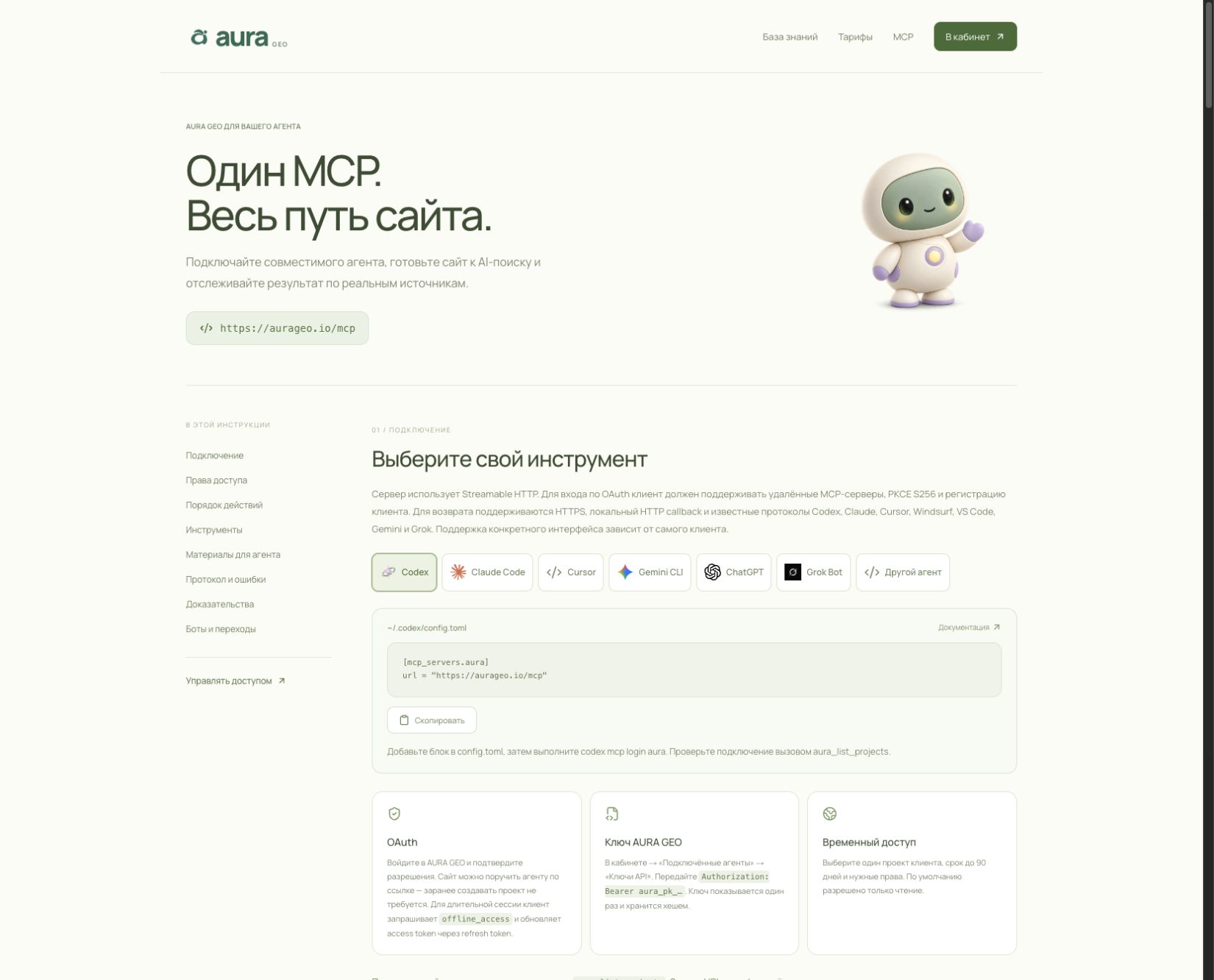
A compatible agent can retrieve a plan from AURA GEO, prepare a change and verify it after publication. Website file access is granted separately through a repository or the chosen environment. An MCP connection to AURA does not by itself provide a hosting password or open someone else’s accounts.
Step 4. Check the published page and notify search engines
After making a change, open the public URL and check the server status, HTML, canonical, heading and links. Confirm that the agreed version is published and included in the sitemap. An IndexNow notification or sitemap submission is supported by a separate receipt; this is not yet proof of inclusion in the index.
Google states that SEO fundamentals still apply to AI Overviews and AI Mode; special AI markup is not required. OpenAI separately describes OAI-SearchBot for search accessibility and GPTBot for possible use in training. Allowing one crawler does not replace checking the other and does not promise citation.
Step 5. Compare recommendations and real visits
After publication, repeat the selected questions and save the new answers with links. Record which URLs changed and when: this lets you compare events without assigning a causal effect to every edit. If citations have not appeared, that is useful too: you can revisit the content, source authority or the question itself instead of inventing growth.
In parallel, review recognized website referrals and confirmed leads. This requires an installed tracker or connected server events. Test visits, crawler visits and real leads must be counted separately. A visit without a recognizable source cannot automatically be assigned to ChatGPT.
The minimum owner report includes what was checked; which answers and links were saved; what changed and where it was published; which notifications search engines accepted; what the repeat check found; and which action remains with the owner. That is useful ongoing support: each cycle leaves concrete work and evidence to build on.
Sources
- https://aurageo.io/en/answers/what-businesses-expect-from-geo-threads-reddit/
- https://www.reddit.com/r/GEO_optimization/comments/1umrd01/i_tried_at_least_20_ai_visibility_tools_for_my/
- https://developers.google.com/search/docs/appearance/ai-features
- https://developers.openai.com/api/docs/bots
- https://aurageo.io/en/docs/mcp
- https://aurageo.io/en/learn/
- https://aurageo.io/en/answers/geo-with-your-own-mcp-agent/